
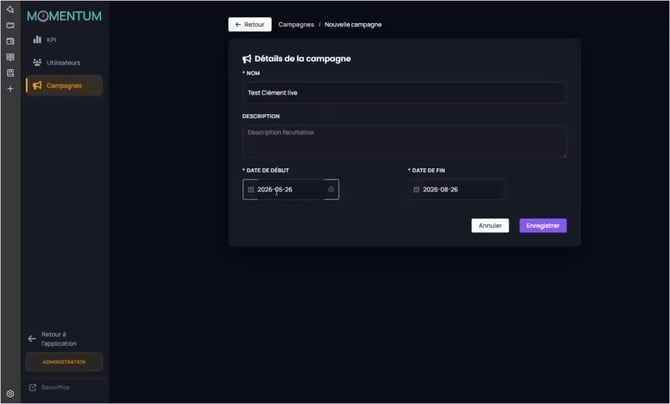
The campaign creation form: name, description, dates.
- From the list of campaigns, click on + New campaign.
- Fill in the Name (required).
- Optionally add a Description (optional, visible only to you).
- Set the Start date and the End date.
- Click on Save. You land on the campaign page.
|
Why dates matter During the defined period, themes are proposed as a priority. Adjust the duration to your intent: a short, intensive format (one month around a training) or support spread over the year. |