![Fifty - Logo&baseline_blackBackground_2023.png]](https://knowledge.fifty.do/hs-fs/hubfs/Fifty%20-%20Logo%26baseline_blackBackground_2023.png?height=50&name=Fifty%20-%20Logo%26baseline_blackBackground_2023.png)
Step 1
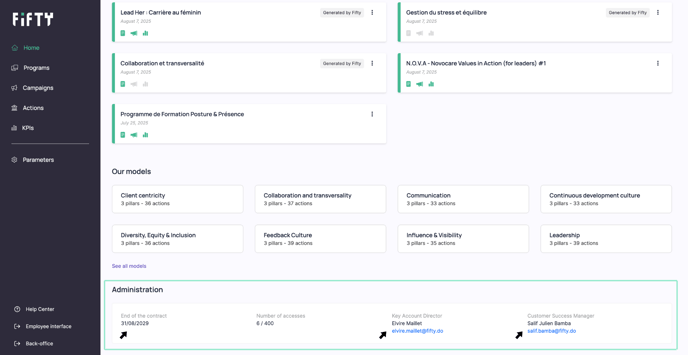
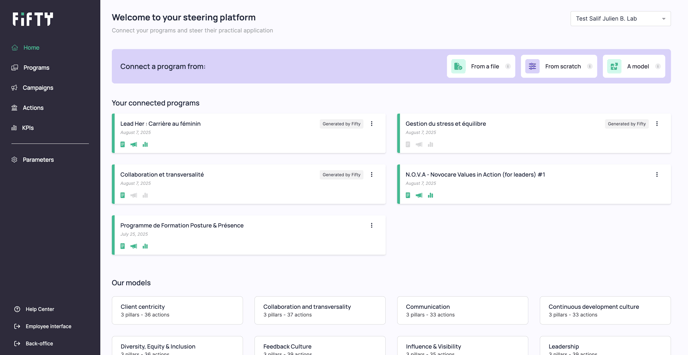
Log in to your platform at www.app.fifty.do, then go to your home page.
Step 2
Scroll down to the bottom of the page to access the Administration section.
Step 3
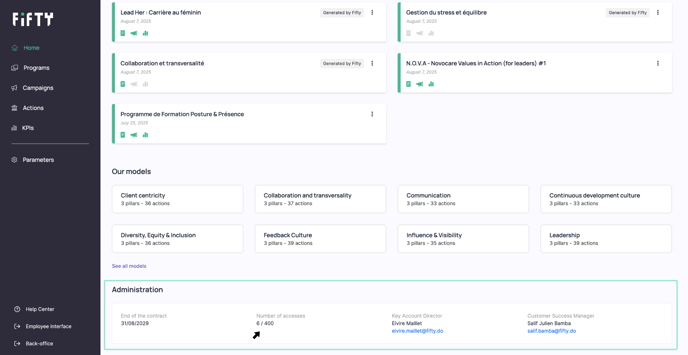
In the Number of accesses section, you will find the number of licences used (out of the total provided for in your contract).
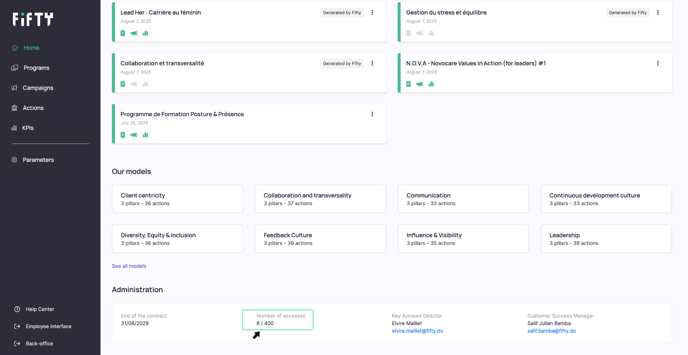
Each licence used corresponds to one person registered during the contract year and participating in one or more campaigns.
A licence assigned to a person remains valid for that person throughout the contract year and can then be reassigned to another person the following year.
Each licence gives the user unlimited access to campaigns throughout the contract year.
In the Administration section, you will also find other key information:
-
The contract end date
-
Your dedicated contacts at Fifty, whom you can contact directly