
The detail page is organized into three blocks: Information, Themes and Participants.
The Information block
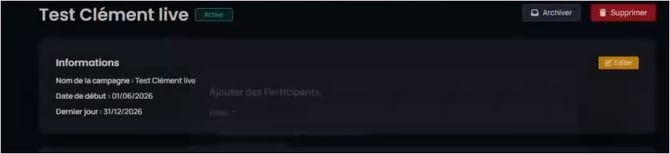
The Information block of a campaign, with the Edit button.
It summarizes the name, the start date and the last day. The Edit button lets you change this information.
|
Rule on dates The end date can be changed at any time, even once the campaign has started. The start date can no longer be changed once the campaign has started. |